The 5-Step AI Chatbot Build Process: How to Make a Chatbot That's Actually Used
An AI chatbot you built that no one uses

'We adopted it, but nobody actually uses it.'
'What do we need to prepare to build an AI chatbot?'
'Our documents are so all over the place — can AI really understand them?'
This is DALPHA, an AI agent studio.
In reality, many companies adopt a chatbot and then face the problem of it not being used.
✅ because they started without clear adoption criteria, or
✅ because they designed it without considering the actual usage flow.
In this article, centered on the following 2 things, we'll show you how to adopt a chatbot without failing:
For being well-used in practice, the 3 core criteria
Dalpha's 5-step build process
3 core criteria for making a chatbot that's well-used in practice

The reason an AI chatbot, once adopted, isn't well-used in practice is mostly that these 3 core criteria were missed.
1. Answer quality: it must give accurate, fast responses
No matter how impressive a chatbot looks, if its answers are slow or off, it's quickly ignored. The moment a simple manual question takes more than 3 minutes, or it guides you to the wrong policy, trust collapses.
To prevent this, two things are needed:
Organizing the data well so AI can understand it
Designing it to accurately generate answers that fit the question's context
These criteria are reflected in Step 2, knowledge-data preparation, and Step 3, answer-generation design.
2. Build time and resources: it must be made quickly and efficiently
AI chatbots are mostly driven by non-specialist teams. Because the person in charge also does their main job, the longer or more complex it gets, the higher the chance of giving up midway. Especially if you start without a goal, document edits and supplements repeat, schedules drag on, and practitioners burn out.
To prevent this, two things matter:
Clearly setting direction and goals early
Automating or minimizing the document collection/refinement process
These criteria are reflected in Step 1, adoption planning; Step 2, knowledge-data preparation; and Step 5, workflow integration.
3. Actual usability: it must be set up to be used naturally
For a chatbot, 'continuing to be used' matters more than 'adoption.' But if it's separated from the actual workflow, it'll be ignored no matter how well made. For example, if it doesn't integrate with collaboration tools or you have to open a separate portal every time, usage inevitably drops.
To solve this, two things are needed:
Naturally blending the chatbot into the existing environment
Connecting not just Q&A but actual task execution
These criteria are reflected in Step 1, adoption planning; Step 4, follow-up action linkage; and Step 5, workflow integration.
So, how can you apply these 3 criteria?
Let me explain through the 5-step process by which Dalpha actually builds AI chatbots.
Build it this way and you won't fail: Dalpha's 5 steps to building an AI chatbot
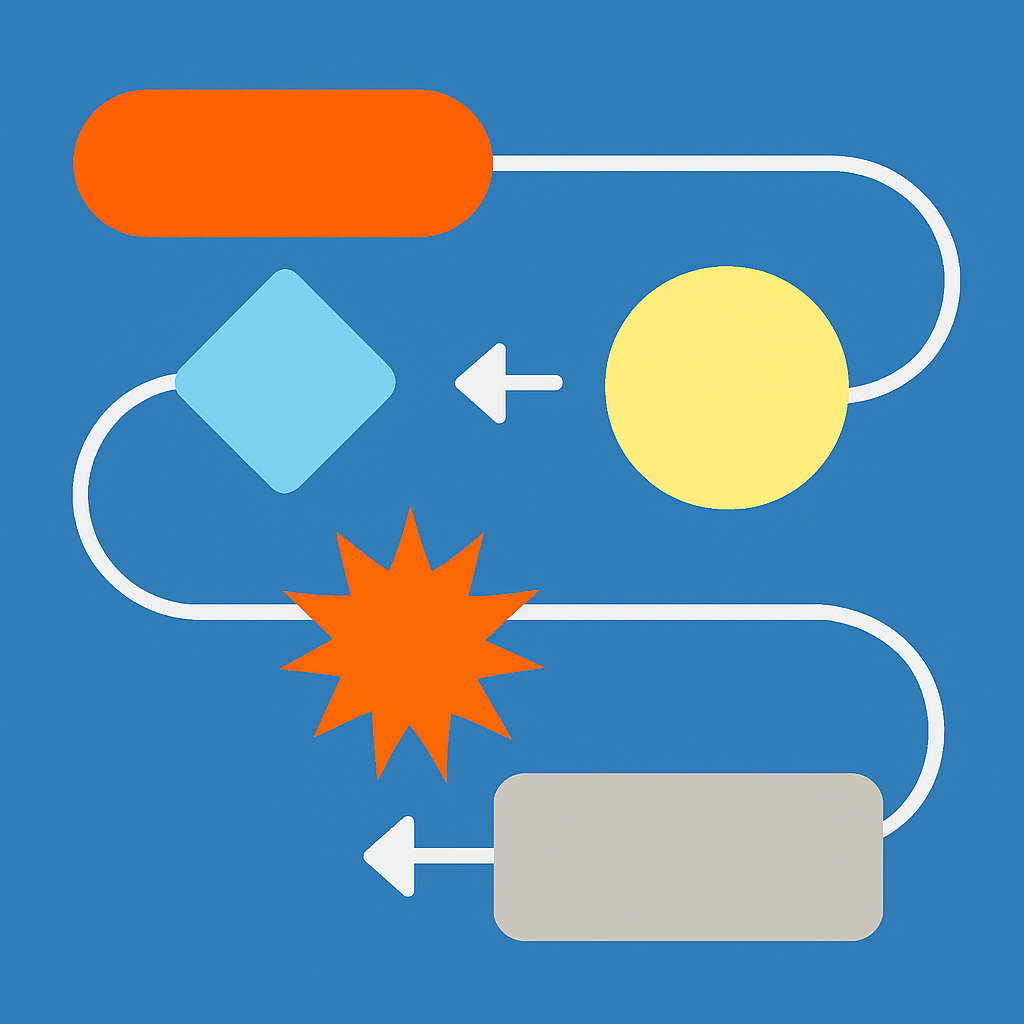
✅ Step 1: Adoption planning
First, clearly set the chatbot's adoption purpose and usage scenarios.
Why does it matter?
Only by clearly defining the problem the chatbot should solve and its expected role does the development direction stay steady and you actually build a 'usable chatbot.'
How does it work?
We reconcile the gap between the customer's needs and what's technically possible.
We analyze technical options that can realize the requirements and set the design direction.
We document the organized content as a reference point for future development.
The result splits like this.
✅ If planning is clear: development speeds up, and you complete a chatbot you can apply in practice right away. (→ efficient resources, high actual utilization)
❌ If planning is weak: the direction changes several times during development, and it ends up an unused chatbot. (→ wasted time, lower utilization)
✅ Step 2: Knowledge-data preparation
Next, you must process the data you have into a form AI can learn from.
Why does it matter?
For AI to properly understand and answer, internal documents must be organized into a 'structure AI can read and use.'
How does it work?
We collect documents scattered in various places in the company and organize them in a way that's good for AI to learn.
We convert image files, table-centric documents, etc. into text and tidy them around the key content.
We structure the organized information so AI can quickly search and use it.
The result splits like this.
✅ If data is well prepared: a foundation is laid for the chatbot to actually answer 'accurately.' (→ answer quality)
❌ If organization is lacking: key information is missing or wrongly structured, and the chatbot gives off-base answers. (→ lower trust)
✅ Step 3: Answer-generation design
Based on the learned data, you must design logic that produces accurate answers fitting the question.
Why does it matter?
Even with accurate data, a chatbot is only meaningful if it can grasp the user's question intent and produce a natural answer that fits it.
How does it work?
We design the chatbot to grasp the user's question intent.
We make it find information fitting the question in the knowledge base, summarize and restructure it, and respond naturally.
We design the answer style to fit the brand, reflecting the company's tone, terminology, and style.
The result splits like this.
✅ If design is good: context-appropriate, natural responses become possible, completing a useful chatbot. (→ answer quality)
❌ If design is lacking: it answers irrelevantly to the question, or sentences are awkward, so users don't trust it. (→ lower usability)
✅ Step 4: Follow-up action linkage
Rather than stopping at a simple answer, we set up an Agent in which the chatbot directly handles the tasks that follow.
Why does it matter?
A chatbot that just answers isn't very useful, but a chatbot that helps move work forward draws out real utility for the user.
How does it work?
We decide on frequently used tasks (booking, report summarization, info lookup, etc.) and connect them to the chatbot.
We integrate with internal systems so the chatbot can actually handle work.
We analyze the user's command and convert it into an automatically executable workflow.
The result splits like this.
✅ If automation is good: users can hand off repetitive work to the chatbot and focus on their main work. (→ actual usability)
❌ If automation is insufficient: the chatbot stays at simple Q&A, usability drops, and it's gradually ignored. (→ lower perceived utility)
✅ Step 5: Workflow integration
Finally, we naturally integrate the AI chatbot into the existing work environment.
Why does it matter?
No matter how well-made a chatbot is, if it doesn't blend naturally into the practical environment, utilization drops sharply.
How does it work?
We integrate the chatbot with the organization's main collaboration tools, like Slack and Teams.
We build a custom UI/UX suited to the usage environment to raise accessibility.
We also build the backend systems for data updates, maintenance, and so on.
The result splits like this.
✅ If integration is good: you can use the chatbot naturally within existing tools, so adoption and settling-in are fast. (→ resource efficiency, actual usability)
❌ If integration is lacking: the system is well-built but usage is low, so no one uses it. (→ lower utilization)
Choose a partner who thinks alongside you, not an outsourcing vendor
So far, to prevent the problem many companies face — 'we built a chatbot but no one uses it' — we've introduced the 3 core criteria and Dalpha's 5-step build process.
These criteria also help you, rather than choosing an outsourcing vendor that passively reflects customer requirements, select a partner who thinks through a practically-used AI chatbot with you.
In the next content, I'll introduce real cases of AI chatbots — actually used — built on this process.
Have a concern about an AI chatbot that's actually used in practice?
Reach out to Dalpha. We'll do our best to help you quickly 😄
Inquire about an AI chatbot that's actually used in practice
Dalpha Blog