Automate Repetitive Tasks on Construction & Manufacturing Sites with AI – Drawing/Design Document Search, Construction Contract Review, and Order Optimization AI
Construction & Manufacturing: Are You Still Handling Repetitive Tasks One by One?
Construction and manufacturing professionals still spend countless hours organizing the flood of drawings, documents, and data that comes their way every day.
✅ They check folder structures and file names one by one just to find drawings and design materials.
✅ When they need essential documents like on-site contracts or completion certificates, only the employees who know where the files are stored can respond quickly.
✅ Material order quantities, inventory management, and the like still rely mostly on Excel and manual record-keeping.
Now, construction and manufacturing sites can boost efficiency too by adopting custom AI solutions.
In this post, we introduce three AI solutions that have proven effective on real construction and manufacturing sites.
Three AI Solutions for Construction & Manufacturing
📄 Solution 1: Drawing/Design Document Search AI
Are you still digging through folders and file names to find your design drawings?
Every day, design teams and site managers check folder structures and file names one by one to find the information they need among hundreds of drawings and design documents. But in reality, the materials are scattered all over the place, and inconsistent file-naming rules make it hard to find the right document through search alone.
Inconsistent document formats: DWG, PDF, image, HWP, and many other formats are mixed together
Mismatched templates and naming: Component names, material names, and specifications differ by project and partner, making organization and search difficult
Difficulty tracking change history and similar cases: Hard to easily find design change records or past similar cases
Inefficient handover when staff change: Different material structures make handing over work complicated
Now, the Drawing/Design Document AI finds everything at once—no folder digging required
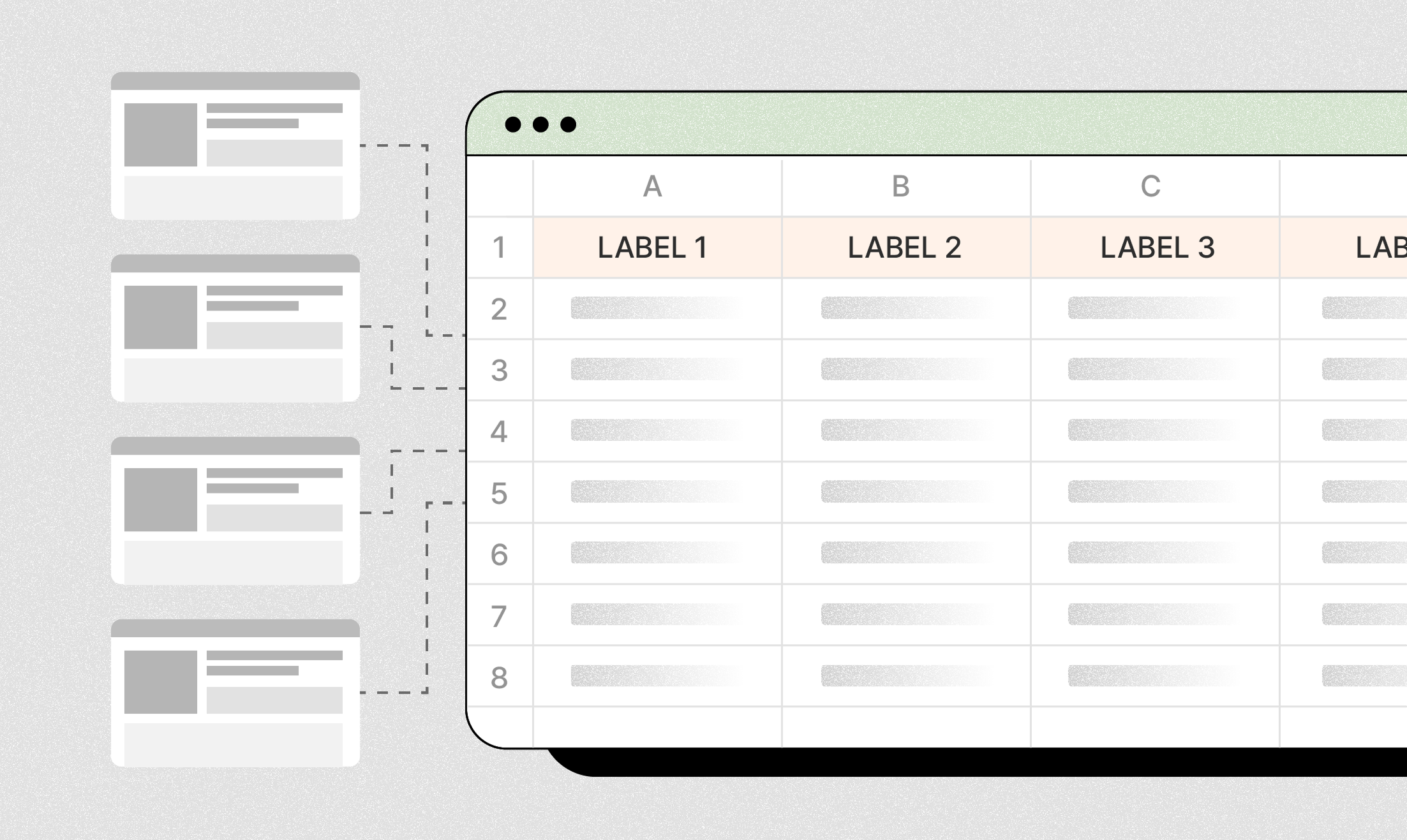
Just upload your documents, and the AI analyzes every drawing and design document at once, automatically organizing and labeling the key information.
Automatic processing even with inconsistent formats: The AI analyzes diverse documents—DWG, PDF, image, HWP, and more—all at once
Automatic standardization of templates and naming: Component names, material names, and specifications that differ by project and partner are organized consistently to your internal standards
Automatic suggestion of change history and similar cases: Compare design change records and past similar cases at a glance with automatic recommendations
Systematic material management when staff change: Standardized metadata enables organized handovers of materials
With custom AI, you can also do this
Automatic generation of custom templates by company/project
Integrated search across drawing images and text
Integration with design systems (PLM), CAD, ERP, groupware, and more
Change-history notification feature
A Real DALPHA Case: Automatic Drawing & Design Document Search AI
Before
General contractor A had been storing thousands of drawings, design documents, specifications, and material data sheets generated across each site and project in various formats—PDF, DWG, HWP, image—organized by folder.
Because material names, specifications, and component names differed from project to project, the design team and site managers had no choice but to open folders and file names one by one in repetitive searches to find the materials they needed.
Since material formats and terminology all differed and change history or similar cases weren't organized separately, finding the desired information took anywhere from tens of minutes to several hours each time—unless you were an experienced staffer.
After
Now, no matter the drawing or design document, you just upload it to DALPHA's AI and all key items are automatically organized to your internal standards.
(1) The AI automatically learns drawings, design documents, and specifications that had different templates and naming per project, converts them into custom templates, and organizes material names, specifications, and process information into a consistent format.
(2) Integrated search even covers drawing images and text content, so complex conditions like "2022 OO site H-beam specifications" or "specifications applying seismic grade 1" can all be found at once.
(3) Integration with the design system (PLM) lets you check change history, approval stages, and even past designs in real time, so staff can focus solely on design review and decision-making without repetitive searches.
Now anyone can easily find the information they need, cutting the whole team's repetitive search and research time by more than 70%. As a result, design quality and data reusability have improved, and preparing new projects has become much faster.
🏗️ Solution 2: Construction Contract Review / Report Verification AI
Are you still relying on manual review for complex construction contracts and review reports?
Large construction projects generate a flood of documents—numerous contracts with various partners, plus all kinds of review plans and reports. Staff have to check the contract scope, mapped codes, risks, and more one by one, and also review report content directly. But it's no easy task.
Inconsistent contract formats and drafting styles: The wording and terminology of certification scope and key conditions differ from project to project, taking time to review
Difficulty identifying mapped codes and risks: Complex legal and technical codes differ by contract, and it's hard to judge risks by directly comparing against the standard contract—leaving room for omissions
Manual verification of review plans/reports: Staff manually compare review plans and execution reports for consistency and omissions
Risk of errors with inexperienced reviewers: Important conditions may be missed when reviewed by less experienced personnel
Now, the Contract & Report AI reviews and verifies automatically
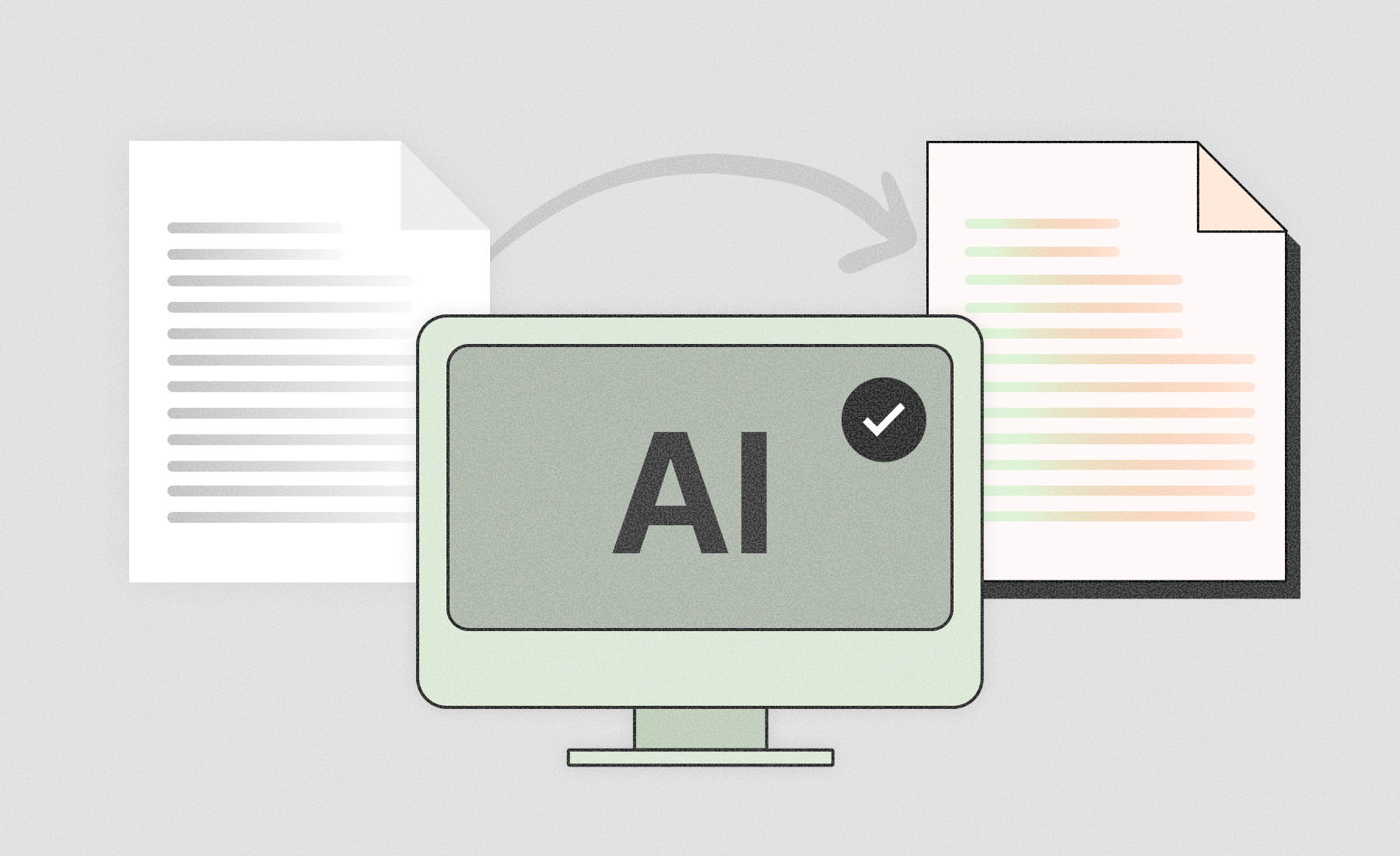
Just upload your document files, and the AI automatically extracts and reviews the key content of contracts and review reports. The AI systematically analyzes complex certification scopes, mapping codes, risks, and more—carefully checking even the parts that are easy to miss.
Automatic review even with inconsistent contract formats: The AI analyzes by unified standards even when certification scope, key conditions, and terminology differ
Automatic identification of codes and risks: Automatically recognizes and checks complex mapping codes and potential risks within contracts, and automatically compares against the standard contract to diagnose risk likelihood in finer detail
Automatic comparison and verification of review plans/reports: Automatically checks plan-versus-report consistency, missing items, and even key issues
Reviewable without errors, even for inexperienced staff: Even with limited hands-on experience, the AI's review results and feedback minimize mistakes
With custom AI, you can also do this
API integration with internal databases such as ERP and project management systems
Automatically loading contract and report review results into your systems
Extending application to various review/supervision documents
Notifications by risk type and automatic attachment of feedback
Building a database of content compliant with the standard contract and risk items that don't comply, continuously enhancing future contract processes and contract review quality
A Real DALPHA Case: Contract Review / Report Verification AI
Before
Construction company B had been reviewing contracts and review reports one by one, by hand, as it signed complex construction contracts with various partners.
Contract scope, legal and technical codes, and risk items differed from project to project, and staff had to manually compare whether review plans matched the actual reports.
When reviewed by inexperienced employees, important conditions were sometimes omitted or risks overlooked, leading to liability disputes or additional construction work.
After
Now, you just upload contracts and reports to DALPHA's AI, and the AI automatically analyzes and reviews the key content—dramatically improving work efficiency.
(1) From contracts and review reports, it handles complex certification scopes, mapped codes, and even risks—integrating them into unified, real-time data management linked with ERP and project management systems—and automatically extracts and organizes items even when drafting formats differ.
(2) Automatic notifications are provided by risk type,so staff are alerted immediately whenever something is omitted or an anomaly is detected, and cases of missing important conditions are prevented in advance.
(3) Contract review and report verification results are automatically loaded into internal systems,so data is accumulated and managed per project, and materials can be quickly leveraged in later audits or disputes.
Now anyone can easily check the key issues and risks in contracts and reports, dramatically reducing review and organization time and drastically cutting mistakes and omissions. Even inexperienced staff can now handle important work safely with the AI's help.
📊 Solution 3: Material Shipment/Order Quantity Optimization Planner
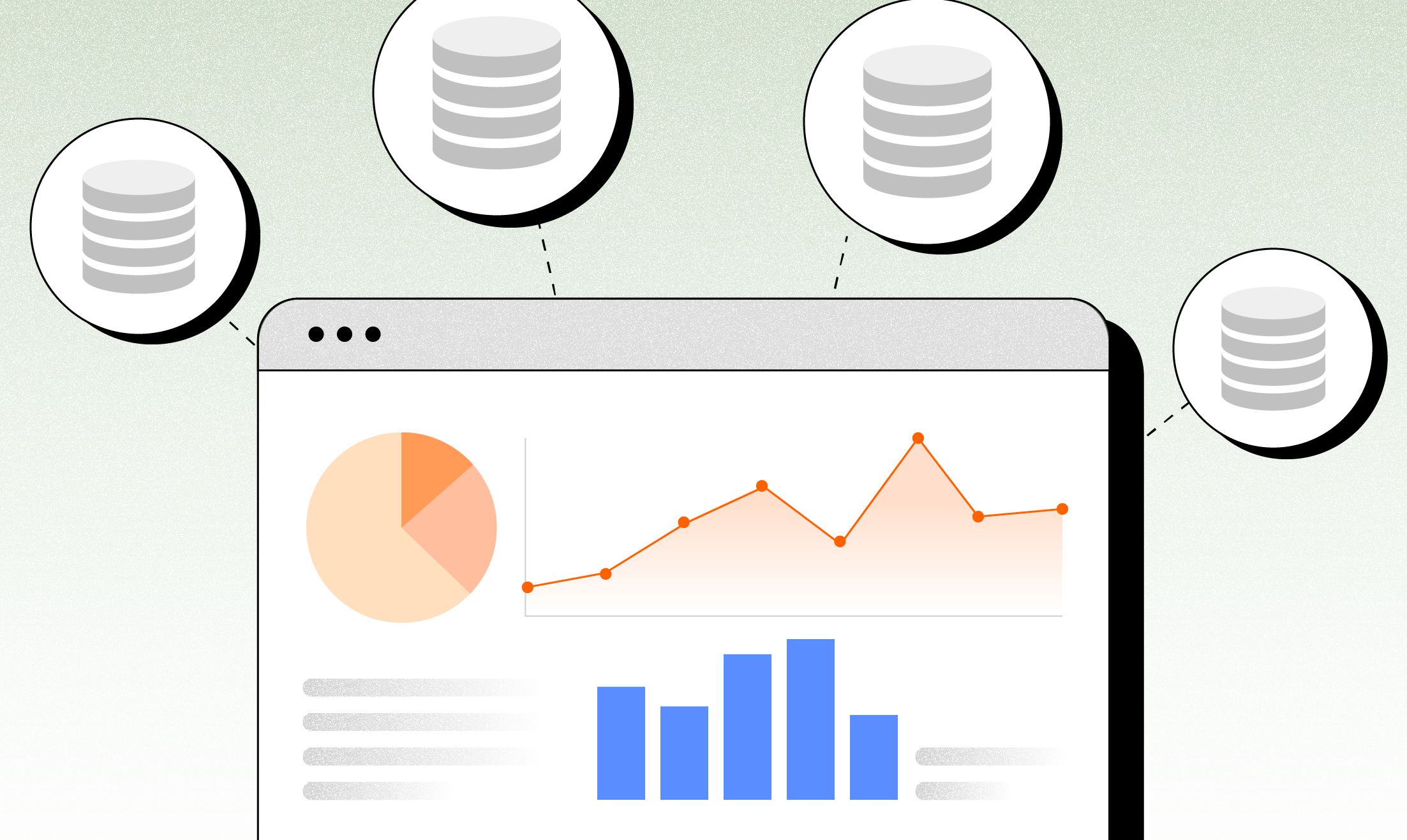
Are you still planning material orders with Excel and manual records alone?
On construction and manufacturing sites, the amount of materials needed differs from project to project, so you have to reference past data when planning orders. But in reality, many companies organize their BOMs, cost statements, inventory ledgers, and other materials one by one in simple Excel files, making systematic management difficult.
Inconsistent material formats: Excel, PDF, ERP, and many other formats are mixed together
Mismatched naming and structure: Names, units, and structures differ by project and material, making data integration difficult
Difficulty leveraging past data: Hard to immediately compare and use order/shipment data from similar projects
Risk of ordering and shipment errors: Calculation mistakes based on experience cause cost losses and on-site confusion
Now, the AI Planner automatically builds the optimal order plan instead of Excel
The AI analyzes past data, so instead of using Excel, staff only need to review and approve the order quantities and timing the AI recommends. You can break free from complex data organization and repetitive calculations.
Automatic analysis even with inconsistent formats: Organizes diverse data—Excel, PDF, ERP, and more—all at once
Automatic standardization of naming and structure: Unifies different names and units across projects and materials to consistent standards
Automatic recommendations based on past data: Instantly compares and recommends order/shipment data from similar projects
Error-free ordering and shipment: The AI analyzes data and proposes optimal order and inventory plans, minimizing mistakes and confusion
With custom AI, you can also do this
Automatically analyzing material, construction, and design item order data from similar projects to recommend the optimal order quantities and timing in advance
Setting various conditions—project characteristics, process schedules, delivery deadlines, item unit prices, and more—as custom rules to automate an order process tailored to your site
Having the AI predict and manage expected material/item requirements, budgets, and order schedules in real time to prevent unnecessary costs and waste in advance
Automatically accumulating order results and risk history in a database to continuously improve per-project order quality and planning accuracy
A Real DALPHA Case: Material/Construction/Design Item Order Optimization AI
Before
General contractor C had been building all of its material, construction item, and design item order plans by project using Excel and manual records.
The BOMs, cost statements, and ERP data of past projects were scattered in different formats, and item names and units also differed—so comparing and integrating the data took a great deal of time.
Because of this, staff had no choice but to determine order quantities and timing based on experience. As a result, over-ordering, material shortages, schedule delays, and cost losses occurred repeatedly.
After
Now, you just enter the order information for material, construction, and design items into DALPHA's AI, and the AI analyzes past data to automatically propose the optimal order quantities and shipment timing.
(1) Through automatic order-quantity recommendations based on similar projects,it analyzes data from past similar projects and recommends the appropriate order quantity and timing for each project.
(2) By applying custom rules to various conditions—project characteristics, process schedules, delivery deadlines, item unit prices, and more—you can automate an order process tailored to each site's situation.
(3) Order results and risk history are linked with budget and cost forecasting management, so the AI manages expected budgets, costs, and order schedules in real time and prevents unnecessary costs and waste in advance.
Now staff only need to enter design/construction item and material data, and the AI proposes the optimal order plan, shipment timing, and even budget all at once. As a result, mistakes and waste have decreased, and per-project order quality and efficiency have noticeably improved.
✨ Apply AI on Your Construction & Manufacturing Sites Too
So far, we've looked at three major tasks that professionals at construction, manufacturing, and heavy industry companies repeatedly face
and how AI solutions can make them more efficient.
When site workers break free from simple, repetitive tasks, productivity, work efficiency, and the company's overall competitiveness all rise together.
Curious whether this could be applied to your company's sites too?
Click the button below and leave us the challenges or questions you're facing.
Based on similar cases, we'll directly propose the most suitable custom solution for you.
Dalpha Blog